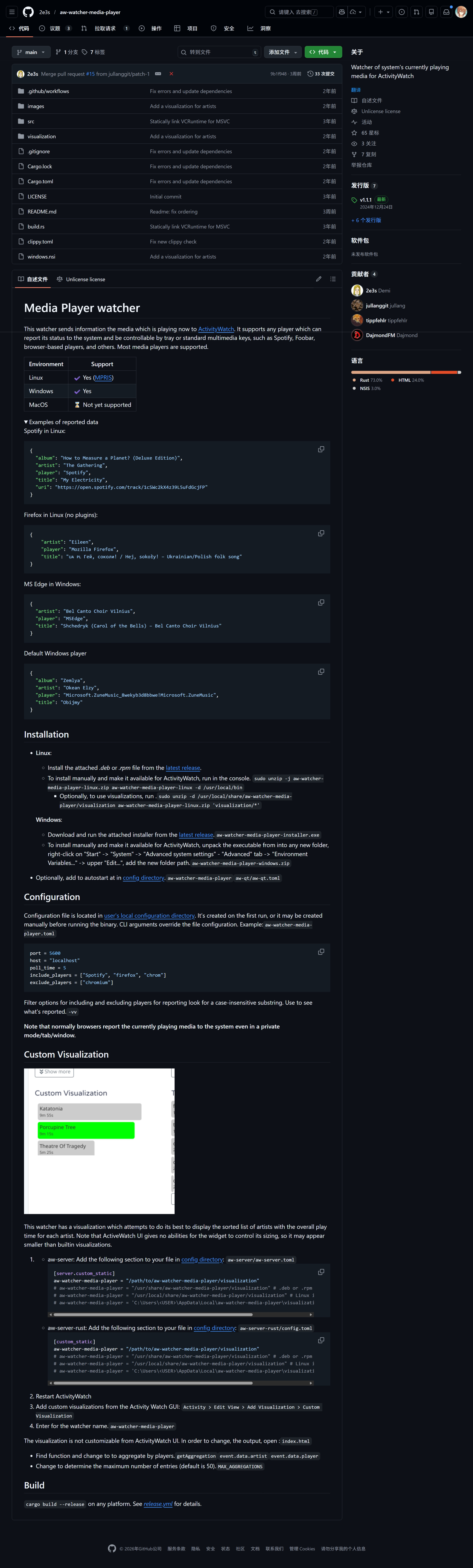
Hello! Here is a question about how to make the extension: 2e3s/aw-watcher-media-player work on WINDOWS.
I followed the guide README on Github. Then firstly I find that though I edited the aw-qt.toml file, media-player won’t autostart. Then I open the custom-visualization in AW GUI , however, it just shows the index.html in aw-watcher-media-player file folder. “Loading…“, this is the only thing in this index.html file. And now, the page even not show this html, just 404 not found.
I don’t have much experience of programming. I will be very grateful if someone could help me. Thanks!
Send a screenshot of your aw-qt.toml file. Also check if the media-player watcher is running, is there a data when you play music or vlc in the timeline view? If the aw-watcher-media-player is not running then you can expect errors displaying data, hence the “Loading…“ in the visualization.
This is the screenshot of my aw-qt.toml file with its path showing. Now the autostart works. I find that though the media-player created a bucket in “Raw Data“ page, but the bucket never update like showing ”5s ago” . And I checked the timeline view, there is no row showing the data from media-player.
The Custom Visulization creating process needs two inputs: watcher name and below: visualization title. The first should be aw-watcher-media-player, the latter I first entered “index.html“, and at the Custom Visualization area can show “Loading…“. I checked the html file, which only contains:”Loading…” Is this normal?
I guess if the .exe runs normally, it will edit the .html and show in the dashboard page. However, I tried to run the .exe directly, in the cmd console it shows nothing, (Other watchers’ .exe will show some information like “sucessfully connected “) , Thus, maybe the .exe has some problem.
The html file should contains some script tag to import a javascript AW client and some code to create the visualization, that is not expected. Try reinstalling aw-watcher-media-player, send a screenshot of your aw-server/aw-server.toml file and one of your dashboard showing the loading visualization.
Thank you for all of your help!
I’ve made it to solve all of the problems.
The path of .toml should be directly C:\Users\user1\AppData\Local\ instead of C:\Users\user1\AppData\Local\activitywatch\activitywatch\aw-watcher-media-player\aw-watcher-media-player
and it only monitor the player which connects windows SMTC
The solutions can be found on the author’s github page, in issues, there are several Q&As